Track the prices your competitors' customers see
Monitor prices, stock, catalogues and promotions market by market, through residential and mobile IPs in 249 countries and territories, on any schedule.
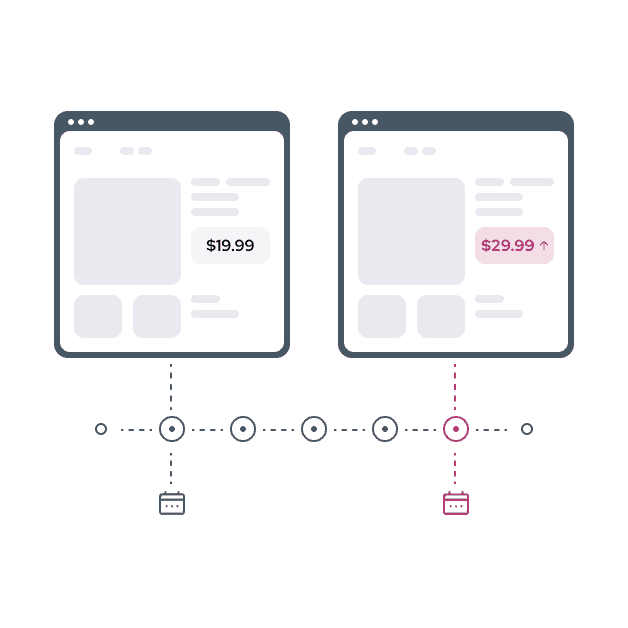
Why your price tracker reports the wrong price
Shops price by location. A tracker in your own office or a cloud region sees that market's price, not the one your competitor's customers pay.
From sign-up to the first price check
One endpoint for every market: the location travels in the username.
Create an account and add funds
Sign up with Google, GitHub or email and top up from $10.
List the markets you watch
One username per market:
-country-<code>, and-city-<name>or-zip-<code>where prices are local.Schedule the checks
Run your tracker through the proxy hourly or daily; each request rotates to a fresh IP.
# Replace with your credentials from the 2extract dashboard
curl --proxy "http://2xt-customer-[accountID]-proxy-[name]-[params]:proxy_password@proxy.2extract.net:5555" \
"https://api.ipify.org?format=json"What price monitoring needs from the network
Every setting is a username parameter or an API call, so each check runs from the market it reports on.
Read the geo-targeting docsThe local price
Country, region, city or ZIP in 249 countries and territories, so a check sees the price a local shopper sees.
Checks that go through
Residential and mobile IPs that shops serve the full page to, with about 99% of requests succeeding.
Rotation on every check
A fresh IP per request, so a schedule of thousands of products does not trip rate limits.
A budget per competitor set
One proxy per client or catalogue, capped daily or monthly in GB or USD.
Costs you can reconcile
A per-day CSV of traffic and spend for each proxy, to see what each monitor costs.
Monitor any market: pay per GB from $3.99, no commitment
Competitive monitoring questions
Every targeting parameter is in the documentation.
Still have a question?
Talk directly to the engineers who built the product. No chatbots, no first-level support scripts.
Your first price check is one line away
Sign up with Google, GitHub or email, top up from $10 and pay per GB. No commitment.
curl -x http://…-country-de:•••@proxy.2extract.net:5555 ipinfo.io/json